FDIC-Insured - Backed by the full faith and credit of the U.S. Government


Banking Made for Every Day
Stay connected to your accounts with convenient access to balances, transactions, payments and other everyday banking tools wherever you are.
What you can do with MyFarmers Online Banking
Mobile Check Deposit
Deposit eligible checks and review your mobile deposit history.
Pay Bills and People
Schedule bill payments and send money to other people.
Transfer Money
Move money between eligible accounts and schedule future transfers.

Alerts and Security
Set account alerts and add an extra layer of protection with two-factor authentication.
Secure Messages
Send questions through Online Banking and receive a secure response.
Statements and Documents
Access eStatements, tax documents and available account disclosures.

My Financial Health
View your credit score and access tools for monitoring your credit, identity, privacy and recurring subscriptions.
Retirement Simplified
Explore education and planning tools for Social Security, Medicare, healthcare costs and other retirement decisions.
Unifimoney
Explore guided and self-directed investing options available through MyFarmers Online and Mobile Banking.

Your Card, Your Control
Manage your debit card directly through MyFarmers Online and Mobile Banking. Turn your card on or off, submit travel notices and set transaction alerts.
Log in and select Card Management to get started.

Ready to Bank Online?
Access your accounts anytime to manage your money, make payments and more.

What you can do with the app:
- View Accounts — Check balances and recent transactions.
- Deposit Checks¹ — Deposit eligible checks using your phone’s camera.
- Transfer Money — Move money between eligible accounts.
- Pay Bills — Schedule payments, manage payees and review payment history.
- Manage Your Debit Card — Turn your card on or off, set alerts and submit travel notifications.
- Set Account Alerts — Receive notifications about balances and transactions.
- Send Money with Zelle®² — Send money to people you know and trust using an email address or U.S. mobile number.
- Make Person-to-Person (P2P) Payments — Send money directly to another person using Bill Pay available in MyFarmers Mobile.
More Ways to Manage Your Financial Life
- Use My Financial Health³— Monitor your credit, manage debt, track subscriptions, access identity-monitoring tools and make more informed financial decisions.
- Manage Your Credit Card — View transactions, make payments and track Farmers Bank & Trust credit card rewards.
- Invest with Unifimoney⁴ — Open and manage an investment account through MyFarmers Mobile. Choose automated or self-directed investing options for stocks, ETFs, digital assets and precious metals.
- Plan for Retirement with Silvur — Access retirement-planning tools, educational resources and professional guidance.
4Not FDIC insured. No bank guarantee. May lose value.
Download and Get Started
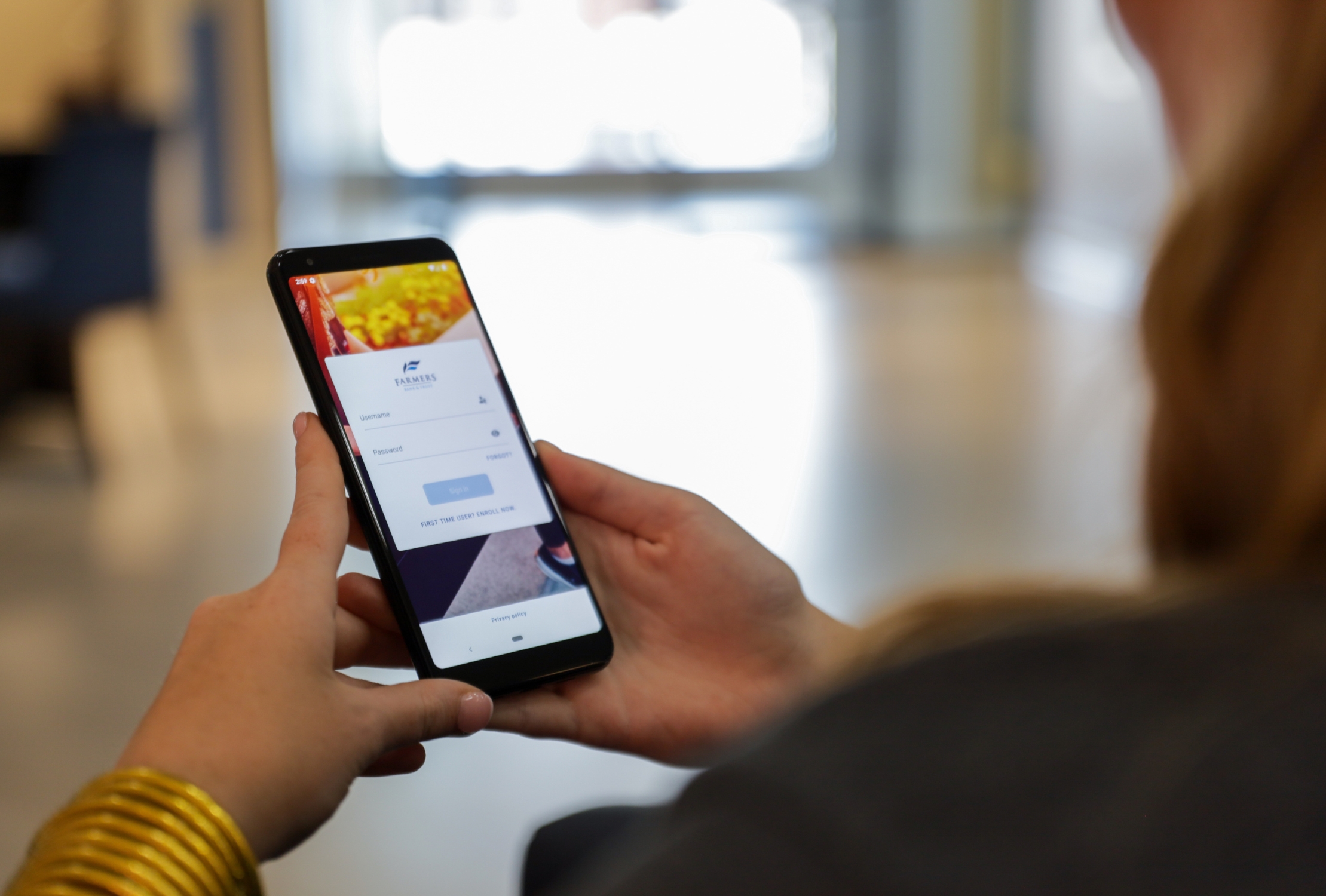
Download MyFarmers Mobile from the App Store or Google Play, then:
- Open the app and select Enroll if you’re a first-time digital banking user.
- If you already use MyFarmers Online Banking, log in with your existing username and password.
- Follow the prompts to create your four-digit passcode. You may also enable fingerprint or facial recognition if supported by your device.


Disclosures & Important Information
1Mobile Deposit: Mobile deposit is available to eligible customers. Deposits are subject to verification and may not be available for immediate withdrawal.
2Zelle®: To send or receive money with Zelle®, both parties must have an eligible checking or savings account. Transactions sent to enrolled users typically occur within minutes. Only send money to people you know and trust. Zelle® and the Zelle® related marks are wholly owned by Early Warning Services, LLC and are used herein under license.
3My Financial Health: Use of My Credit Manager requires your consent. The credit score and educational information provided are for educational purposes only and do not affect your credit score. See the My Credit Manager Disclosure for complete terms and eligibility requirements.
⁴Unifimoney:
NOT FDIC INSURED · NO BANK GUARANTEE · MAY LOSE VALUE
Investment products and services are offered through third-party providers. See the Unifimoney page for complete disclosures.
Mobile Banking: Message and data rates may apply. Mobile Banking services are subject to the Farmers Bank & Trust Online and Mobile Banking Agreement.
Third-party trademarks: Apple, the Apple logo, iPhone and App Store are trademarks of Apple Inc., registered in the U.S. and other countries. Google Play and the Google Play logo are trademarks of Google LLC.