FDIC-Insured - Backed by the full faith and credit of the U.S. Government


Is Your Phone Ready?
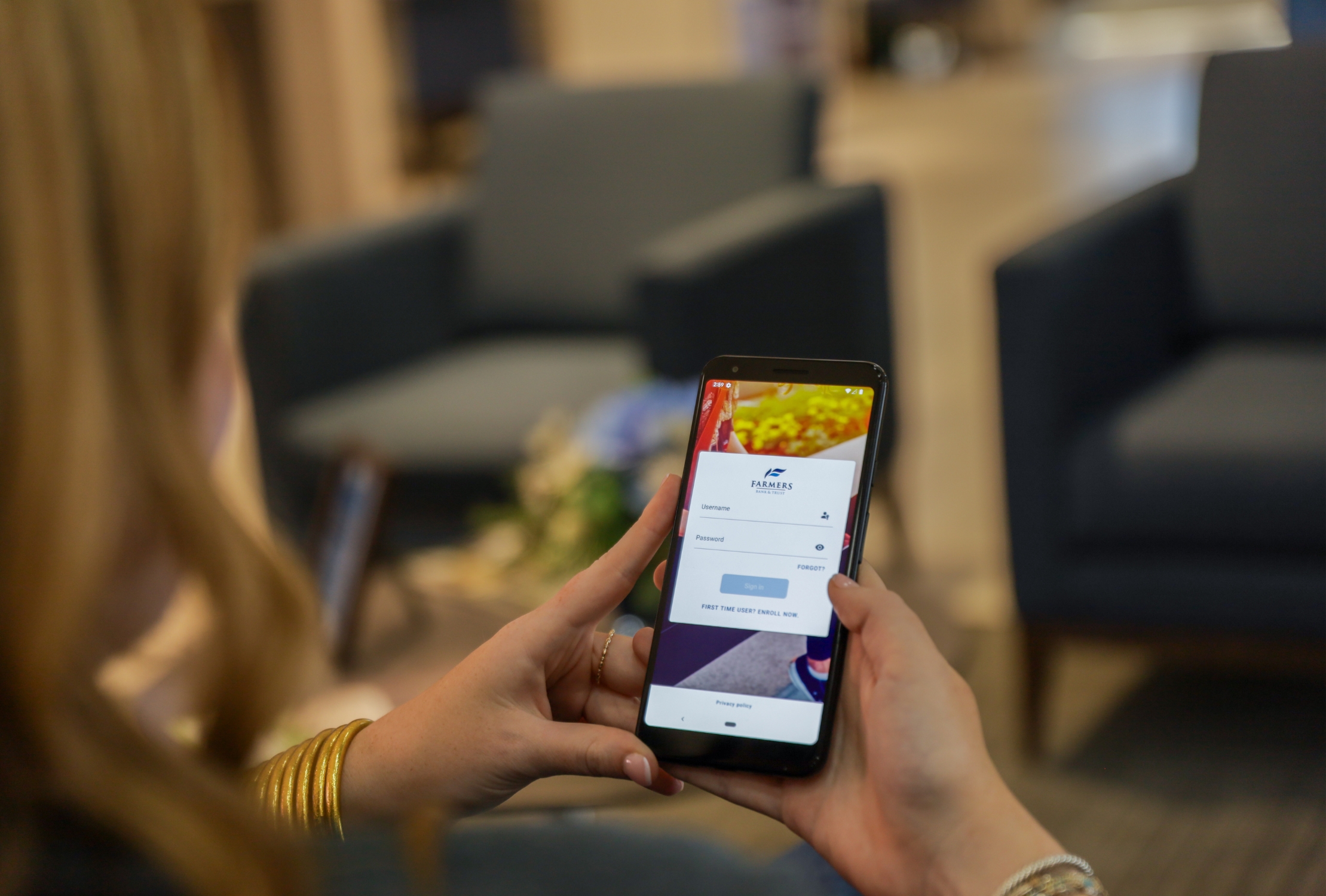
An updated Farmers Bank & Trust mobile banking app is coming in mid-November with a cleaner, more modern look. You may notice changes to areas such as Profile, Accounts, Transactions, Bill Pay and Support, but you’ll continue to have access to the mobile banking features you use today.
Your phone must meet the minimum operating-system requirement to install the newest version. Take a moment to check your device now.
Check Your Phone
The newest version of the Farmers Bank & Trust app will require:
iPhone: iOS 26.3 or later
Android: Android 11 or later
Does your phone meet the requirement?
- Yes — you’re ready.
No changes are needed right now. - No — check for an operating-system update.
If an update is available, install it before the newest version of the Farmers Bank & Trust app becomes available. - My phone cannot update.
Keep your current Farmers Bank & Trust app installed. Do not update or delete it. Review the instructions below for additional options.
You can also access online banking through the web browser on your phone.
How to Check Your iPhone
Check your current iOS version
-
Open Settings.
-
Select General.
-
Select About.
-
Find iOS Version.
Check for an available update
-
Open Settings.
-
Select General.
-
Select Software Update.
If your iPhone can update to iOS 26.3 or later, install the available update before the newest version of the Farmers Bank & Trust app becomes available.
How to Check Your Android Phone
-
Open Settings.
-
Select About Phone.
-
Find Android Version.
Settings and menu names may vary depending on your phone.
If an operating-system update is available, follow your device manufacturer’s instructions to install it.
What If My Phone Can’t Update?
That’s okay. You still have options.
-
Keep the Farmers Bank & Trust app currently installed on your phone.
-
Do not update or delete the app until your phone meets the minimum operating-system requirement.
-
If your apps update automatically, consider temporarily turning off automatic updates using the instructions below.
-
Access online banking through the web browser on your phone.
Manage Automatic App Updates
You only need to consider changing this setting if your phone does not meet the new operating-system requirement.
iPhone: Turn Off Automatic App Updates
-
Open Settings.
-
Select Apps.
-
Select App Store.
-
Turn off App Updates.
This turns off automatic updates for all apps, not only the Farmers Bank & Trust app. You can still update individual apps manually through the App Store. Once your phone meets the requirement, consider turning automatic app updates back on.
View Apple’s App Update Instructions
Android: Turn Off Updates for the Farmers Bank & Trust App
-
Open the Google Play Store.
-
Search for and select the Farmers Bank & Trust app.
-
Open the three-dot menu in the upper-right corner.
-
Turn off Enable Auto Update.
Google Play menu options may vary slightly by device.
Frequently Asked Questions
Why will the mobile banking app look different?
The app is receiving several updates to provide a cleaner, more modern experience. Some buttons, options and navigation may look different or move to a new location, but you’ll continue to have access to the mobile banking features you use today.
Do I need to do anything right now?
Check your phone’s operating system. If it already meets the minimum requirement, you’re ready. If it does not, check whether an operating-system update is available.
What if my phone cannot update?
Keep your current Farmers Bank & Trust app installed, and do not update or delete it. If your apps update automatically, consider temporarily turning off automatic updates. You can also access online banking through your phone’s web browser.
Should everyone turn off automatic app updates?
No. Only consider changing this setting if your phone does not meet the minimum operating-system requirement and you need to prevent the Farmers Bank & Trust app from updating automatically.
Can I still bank from my phone?
Yes. If you cannot use the newest version of the mobile app, you can access online banking through the web browser on your phone.
Need Help?
If you’re unsure which operating system your phone is using or need help preparing for the update, our team is here to help.